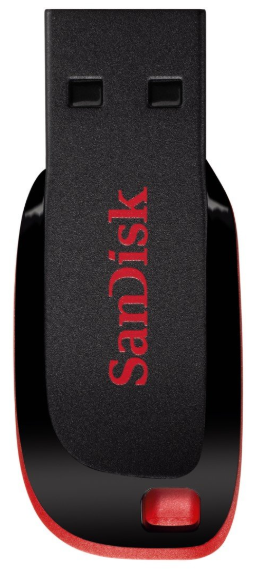
We most recommended USB stick is the below:
- Plug in the USB into Windows or Mac PC and go and select the drive
- Right click on the drive and you will be presented with option to format.
- Select Format…
- Select “File system” as NTFS and select “Quick Format” option.
- Then click on Start. You will be presented with a WARNING pop up message.
- Click OK to begin formating.
- After a period of time(depending on size), you will be presented a format complete pop up.
At this point, your USB should now be able to initialise and record as expected.
NOTE:
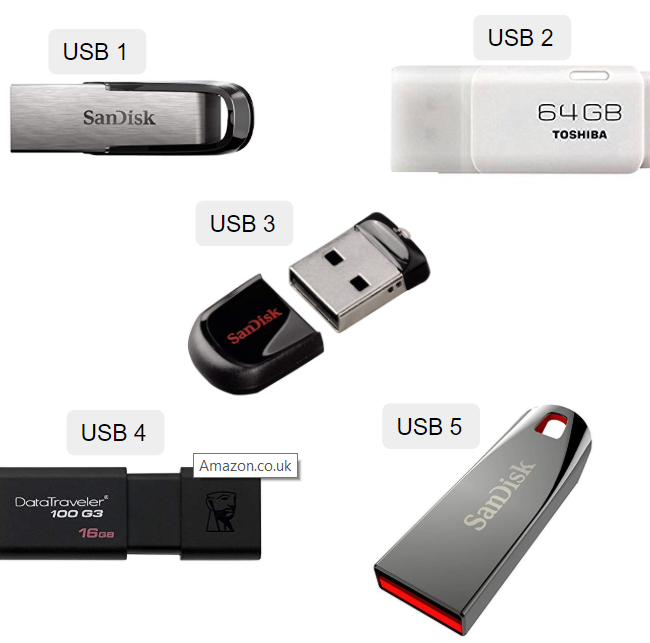
We however recommend the below USB sticks also